 APK
NotifyBuddy v2.21
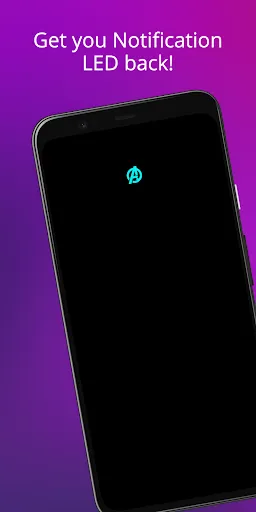
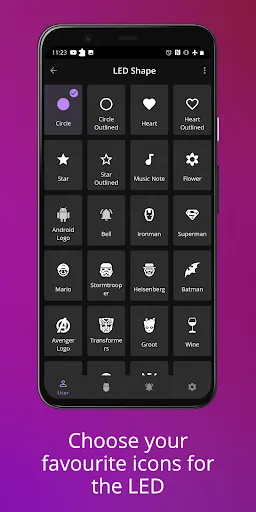
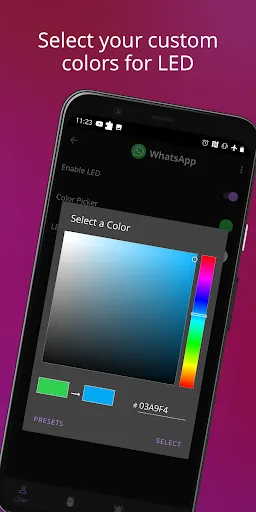
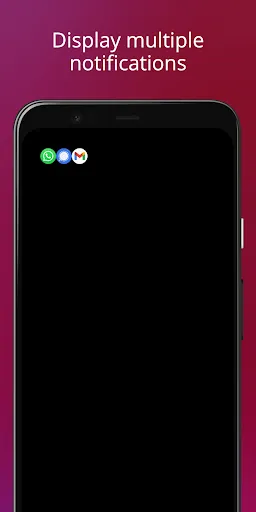
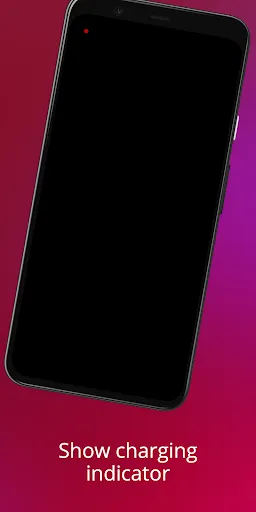
NotifyBuddy brings back the missing LED notification light on AMOLED phones. When a notification arrives, it shows a small colored blink on a black screen, with a different color for each app you choose. It is free to use, with an optional premium upgrade for extras like LED resizing and downtime schedules, and it uses very little battery since only a few pixels light up.
View on Google Play
Opens the Google Play listing
Official store link
Version
2.21
File Size
9 MB
Developer
XanderApps
Screenshots & Preview
Click any image to view in full screen
Frequently Asked Questions
Common inquiries regarding NotifyBuddy installation & verification
What is NotifyBuddy?
NotifyBuddy is a utility app that mimics the classic LED notification light using your phone's AMOLED screen, showing colored blinks for different apps.
How does NotifyBuddy work on phones without LED lights?
It creates a tiny colored animation on a black screen that lights up for notifications, which is perfect for phones that no longer include a built-in LED.
Do I need to pay for NotifyBuddy to access all features?
There is a free version with plenty of options, but the premium upgrade unlocks extras like resizing the LED and adding downtime schedules.
Can NotifyBuddy affect battery life?
No, it is optimized for AMOLED screens. Since it only lights up tiny pixels on a black background, battery usage stays very low.
Why isn't NotifyBuddy working properly on my MIUI phone?
On MIUI, make sure AutoStart is enabled and the app has permission to show on the lock screen. That usually fixes it.
How do I set up NotifyBuddy?
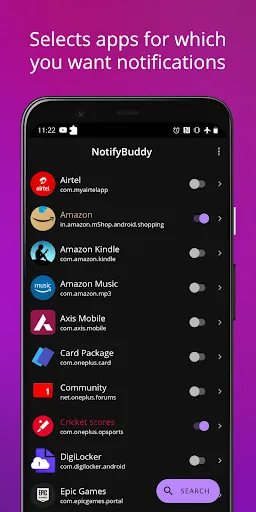
Disable Ambient Display and any battery optimization for the app, give it notification access permission, then select apps you want notifications for and choose a color for each one.
Similar & Recommended
Other popular downloads in this category





NotifyBuddy
Personalization · 9 MB